
Creating a home office that feels both cozy and productive can transform your work-from-home experience. Whether you’re working full-time from home or need a spot for occasional tasks, setting up a dedicated space that encourages focus and comfort is key. Here are practical tips to help you design a home office that suits your style and work habits.
Choose the Right Location
Find a Quiet Spot
Select an area in your home with minimal distractions. A quiet corner or a spare room works best. If space is limited, consider using room dividers or noise-canceling headphones to help create a focused zone.
Prioritize Natural Light
Working near a window allows you to benefit from natural light, which can improve your mood and energy levels. Position your desk so you face or sit beside the window to avoid glare on your screen.
Invest in Comfortable Furniture
Select an Ergonomic Chair
A supportive chair is essential for maintaining good posture and preventing discomfort during long work hours. Look for adjustable features, lumbar support, and cushioning.
Choose the Right Desk
Your desk should fit your work needs, whether it’s a compact table or a larger workstation. Adjustable desks that allow you to alternate between sitting and standing positions can promote better health and productivity.
Organize Your Space Efficiently
Use Storage Solutions
Keep your workspace tidy with shelves, filing cabinets, or organizers for papers, office supplies, and electronics. Clutter-free spaces help your mind stay clear and focused.
Cable Management
Use cable organizers or clips to keep cords neat and out of the way. This reduces distractions and keeps your desk looking sleek.
Personalize and Add Comfort
Incorporate Personal Touches
Adding artwork, plants, or photos can make your office inspiring and welcoming. Choose items that motivate you but don’t overcrowd your space.
Control the Temperature and Lighting
Make sure your office stays at a comfortable temperature. Consider a desk lamp with adjustable brightness for overcast days or late-night work sessions.
Limit Distractions
Set Boundaries
If you share your living space with others, communicate your work hours and ask for quiet during those times. Use a sign or a visual cue to signal when you’re busy.
Minimize Digital Interruptions
Turn off non-essential notifications and use apps or browser extensions to block distracting websites during work periods.
Boost Productivity with Smart Tools
Keep Essential Tech Handy
Ensure your computer, printer, and other devices are within easy reach. Having the right tools readily available reduces disruptions and keeps your workflow smooth.
Incorporate a Whiteboard or Planner
Visual tools like whiteboards or planners can help you organize tasks, set goals, and track progress throughout your day.
Take Breaks and Move Around
Schedule Regular Breaks
To stay energized, take short breaks every hour. Stretch or take a quick walk to change your posture and refresh your mind.
Create a Relaxation Corner
If space permits, include a small area with a comfy chair or cushion where you can relax during breaks.
Maintain Cleanliness
Develop a Routine
Set aside time daily or weekly to clean and organize your home office. A clean environment promotes mental clarity and reduces stress.
—
By following these tips, you can create a home office that balances comfort and efficiency. A well-structured, personalized workspace will help you stay focused, motivated, and ready to tackle your tasks each day.
Related Posts
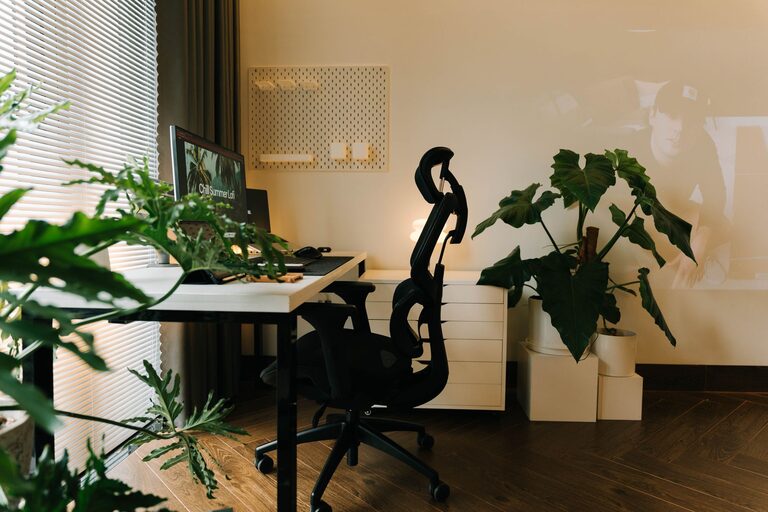
Tips for Creating a Cozy and Inviting Home Office Space
Creating a cozy and inviting home office can transform the…
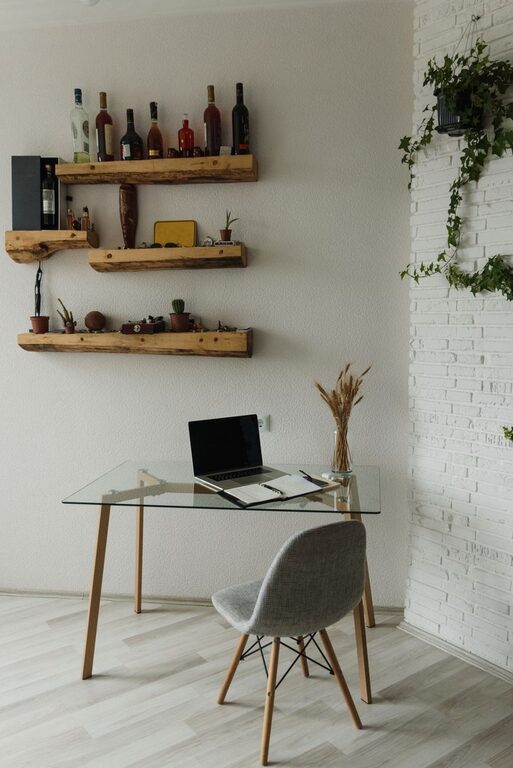
Tips for Creating a Cozy and Inviting Home Office Space
Creating a cozy and inviting home office space can transform…
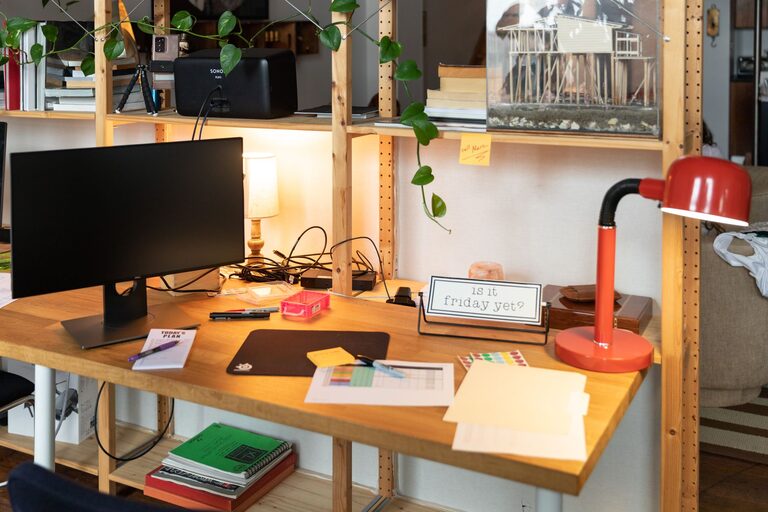
Tips for Creating a Cozy and Productive Home Office Space
Creating a cozy and productive home office is essential for…