
Creating a cozy and inviting home workspace is essential for staying productive and comfortable throughout your workday. With many people working from home more than ever, having a dedicated space that feels welcoming can make a significant difference in your focus and mood. Whether you’re setting up a new home office or improving an existing one, these tips will help you design a workspace that combines style, comfort, and functionality.
Choose the Right Location
Picking the perfect spot for your workspace is the first step. Look for an area with plenty of natural light, as sunlight improves mood and reduces eye strain. Avoid high-traffic zones to minimize distractions. A quiet corner in your living room, bedroom, or a spare room can work well. If space is limited, consider multifunctional furniture to maximize your area.
Invest in Comfortable Seating
Your chair is one of the most important elements in your workspace. Opt for an ergonomic office chair that supports good posture, especially if you’ll be sitting for long periods. Look for features like adjustable height, lumbar support, and comfortable cushioning. Adding a soft cushion or lumbar pillow can enhance comfort without breaking the bank.
Maximize Desk Space and Organization
A cluttered desk can make it hard to focus. Choose a desk that provides enough surface area for your computer, paperwork, and other essentials. Use desk organizers, trays, or drawer units to keep supplies tidy. Cable management solutions, like clips or sleeves, help keep cords neat and out of sight.
Add Personal Touches
Decorate your workspace with items that inspire you and make you happy. Photos, artwork, plants, or a favorite mug can add warmth and personality. Greenery in particular brings life to a home office and has been shown to improve air quality and reduce stress.
Control Lighting Wisely
Good lighting is key to a cozy workspace. Position your desk near a window to take advantage of natural daylight. Supplement this with task lighting—an adjustable desk lamp with warm, soft light is ideal. Avoid harsh overhead lights or screens that cause glare. If you work in the evening, using warmer light bulbs can help keep the space inviting and reduce eye strain.
Keep Technology Functional and Updated
Make sure your computer, printer, and other devices are easy to use and up to date. A reliable Wi-Fi connection is essential. Invest in quality accessories like a comfortable keyboard and mouse. Noise-canceling headphones may be helpful if your home environment tends to be noisy.
Incorporate Soothing Colors
Colors have a strong impact on mood. Soft, neutral shades like beige, light gray, or pale blue can create a calming atmosphere. You can also add splashes of brighter colors through accessories like pillows, wall art, or desk items to invigorate the space without overwhelming it.
Maintain Good Air Quality
A workspace with fresh air feels more comfortable and inviting. Open windows when possible or use an air purifier to reduce dust and allergens. Houseplants naturally improve air quality and add a touch of nature.
Set Boundaries for Work and Relaxation
Creating a cozy home workspace also means making clear boundaries. This helps signal to your brain when it’s time to focus and when it’s time to unwind. Try to avoid working from your bed or couch. When your workday ends, shut down your computer and if possible, close the door to your workspace to separate work from home life.
Stay Flexible and Adjust as Needed
Your ideal workspace may change over time. Don’t be afraid to rearrange or update your setup to keep it cozy and inviting. Small changes like switching the position of your desk, adding a new lamp, or trying a different chair can make a big difference in how you feel while working.
—
Creating a comfortable home workspace doesn’t require a big budget or a lot of space. By focusing on comfort, organization, lighting, and personal touches, you can design a space that motivates you and makes working from home a pleasure. Start small, keep your needs in mind, and enjoy your cozy new workspace!
Related Posts
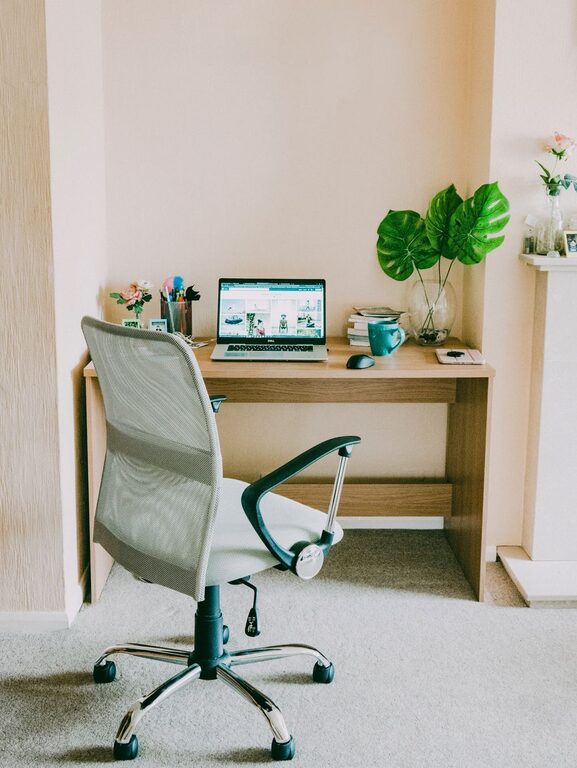
Tips for Creating a Cozy and Functional Home Office Space
Creating a home office that is both cozy and functional…
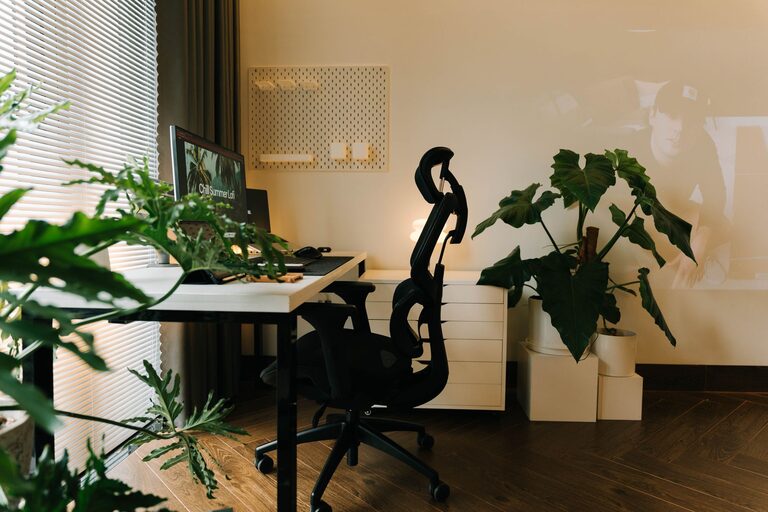
Tips for Creating a Cozy and Inviting Home Office Space
Creating a cozy and inviting home office can transform the…
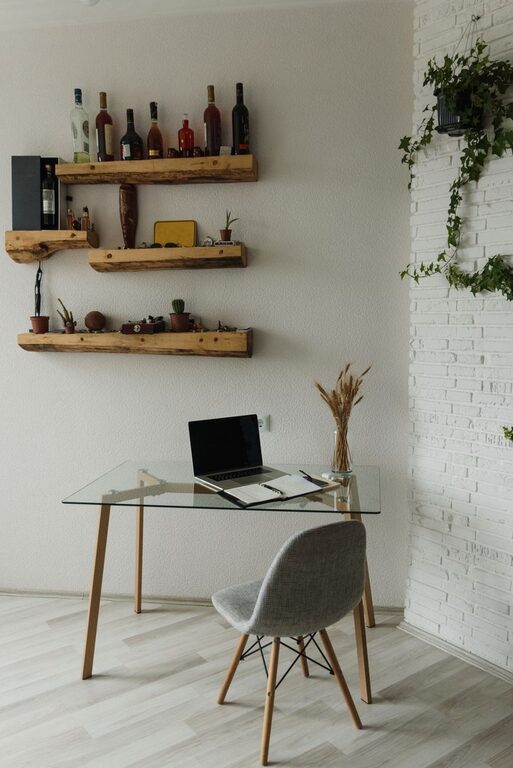
Tips for Creating a Cozy and Inviting Home Office Space
Creating a cozy and inviting home office space can transform…